
myMDC
The official MDC mobile app
Take the college with you. Check your class schedule, register, see your financial aid and grades, and get campus alerts, all from your phone.


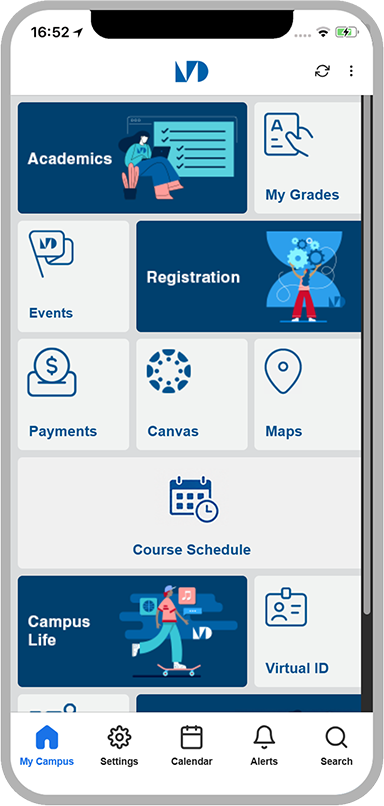
The things you need every week
Improve your college experience by managing it from the palm of your hand.
My MDC helps you get quick access to a number of helpful features and resources. Plan your classes, view campus maps, check your financial aid and stay updated with important and timely information. Download My MDC and take the College with you wherever you go.
Course schedule
See your classes, times, and rooms for the term.
Registration
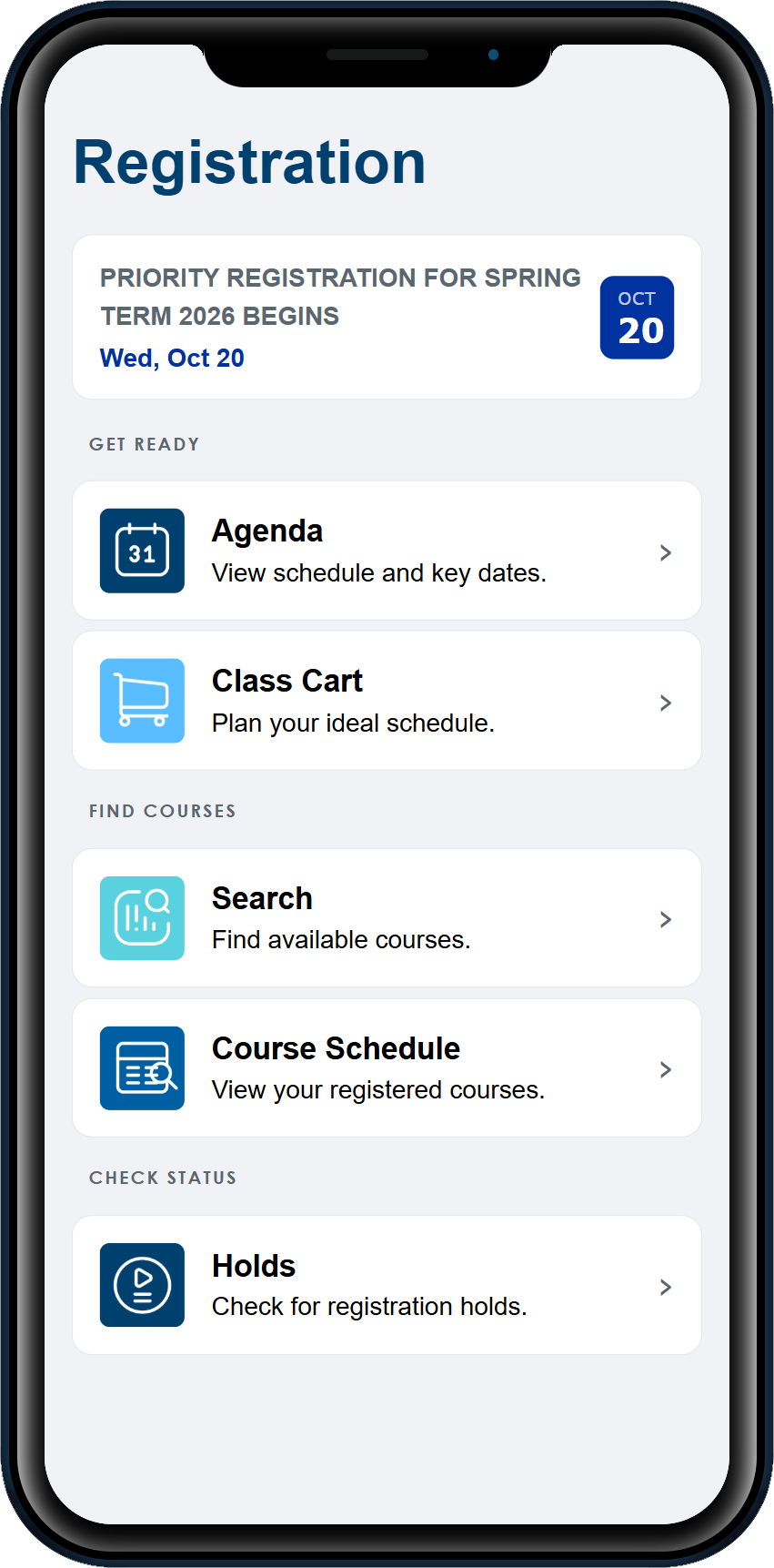
Search, add, and drop classes, and check for holds.
Financial aid
Check your aid status and past payments.
Final grades
View your grades as soon as they post.
Everything you need, in one app
Stay on top of your classes
- Find a class and sign up
- Check what time and where your class is
- See if you have a hold before you register
- Jump to your Canvas class info
- Keep track of what's on your agenda
Keep an eye on your money
- See where your financial aid stands
- Look up what you've already paid
Get around campus
- Find your building on the campus map
- Check your parking info
- Get alerts when something happens on campus
- Catch the latest news and events
- Find the right office to call
Need help?
Questions about your classes or student account?
For registration, financial aid, grades, or your student account, contact MDC directly. The app team can't help with these.
Contact MDCmyMDC app feedback
Help us improve the MDC mobile app. Use this form to report a bug, suggest a feature, or tell us about your experience using the app.